You may also like
Our swift-paced team is capable of handling design projects on anywhere and anytime. We’re ready to deliver your best product wherever you are !
You open the WordPress theme library and see thousands of options. Some look beautiful while some look fast and some others promise everything. The problem with picking the wrong one from the library is that it can slow down your WordPress business theme or break your mobile layout. In worst cases it can lock you or get you stuck in a design which is impossible to change later. These are the real risks in choosing WordPress themes which hurt small businesses every day. Makura Creation has designed this guide to walk you on exactly how to choose a WordPress theme that fits your goals without wasting hours of trial and error. If you are looking for the best WordPress theme for business, the answer starts with understanding what matters.
Your theme is the first thing visitors see when they land on your website, and first impressions build or breaks’ the credibility instantly. A clean and well-structured layout communicates your professionalism and trustworthiness to your visitors. Looks are important but beyond looks your WordPress website performance depends heavily on the theme you choose. A poorly coded theme slows your page load time, and slow websites are ranked lower on Google. Lower ranks are the primary reason for poor conversion because they push away potential customers. Website design for small business is not just about aesthetics, but it is about how efficiently your site converts visitors into leads and sales. If your theme is hard to navigate or loads slowly on mobile, you are losing customers before they ever read a single word about your service.
So does a WordPress theme affect SEO? Yes, it does because a theme with bloated code, render-blocking scripts, or missing semantic structure will heavily hurt your search rankings. Why a theme matters in WordPress and why does it go beyond design? It goes beyond design because it affects speed, structure, and how search engines read your entire site.
Selecting the right WordPress themes is not an extremely difficult process. However, selecting the right theme requires sound understanding of the core factors which can affect your website performance. These are the list of core factors you need to consider and check before starting to build your website.
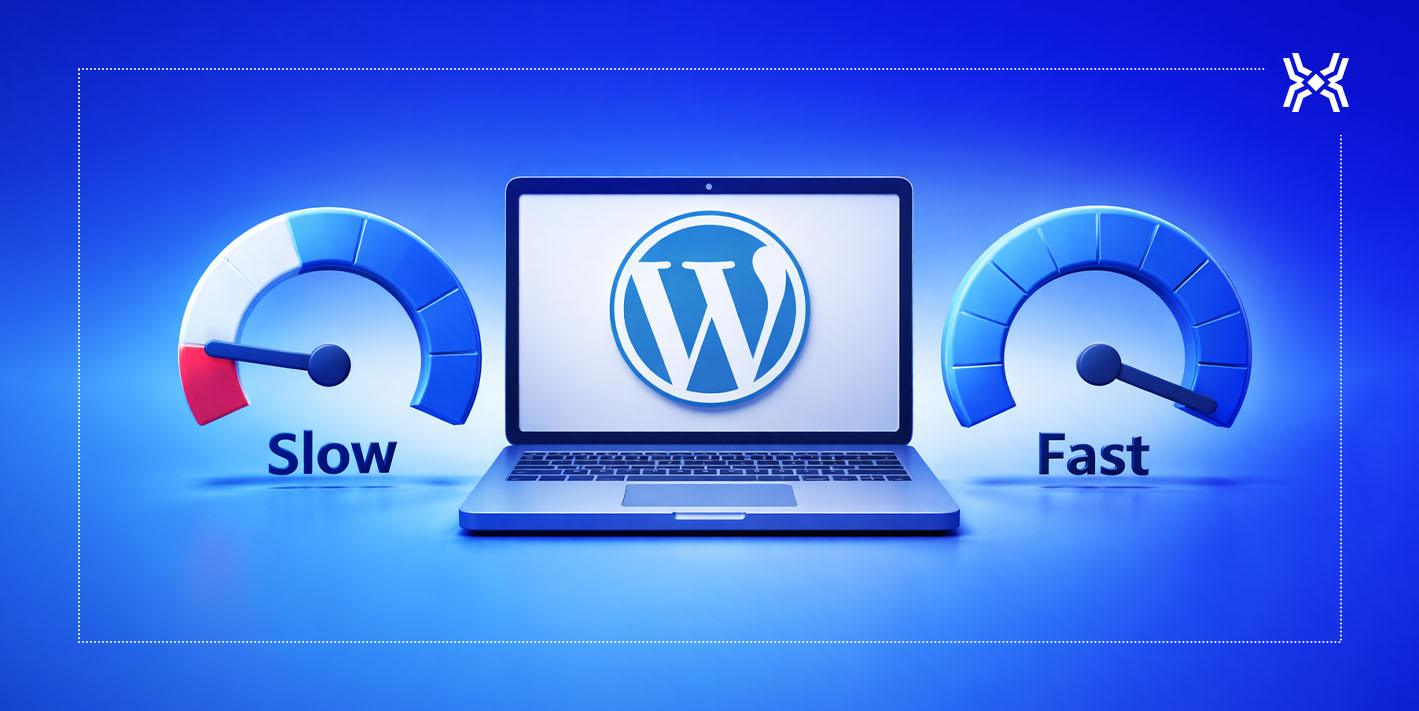
A fast WordPress theme is one of the most important things you can pick for your business site. Lightweight themes load faster because they carry less unnecessary code, fewer built-in animations, and any features that you will never use. Website speed optimization starts at the theme level, not the plugin level. Bloated multipurpose themes that try to do everything often fail. If you want to know which WordPress theme is fastest, look for themes that score above 90 on Google PageSpeed Insights. Themes like Astra and GeneratePress are built with speed as the core priority.
More than 60 percent of web traffic today comes from mobile devices. Google also ranks websites based on their mobile experience first making mobile responsiveness important. A mobile responsive WordPress theme adjusts automatically to any screen size without breaking your layout or hiding key content. Before you finalize any theme, open its demo on your phone and check how it feels to use. If you are asking, “is a WordPress theme mobile friendly”, then your answer should always be yes before you hit install.
Your theme needs to work well with the plugins that power your site. Essential plugins for SEO, contact forms, security, and eCommerce must run without conflict. WordPress plugin compatibility is a real issue with themes that have not been updated recently or which override core functionality. If you are wondering, which themes support WordPress plugins? The answer is simple and easy, it’s best to look for themes that are actively maintained, have frequent updates, and are tested with WooCommerce, Yoast SEO, WPForms, and similar popular plugins.
A customizable WordPress theme allows you to change colors, fonts, layouts, and sections without creating a single line of code. Most modern themes support Elementor or the native Gutenberg block editor which allow easy edits. These editors allow you to drag-and-drop over your entire site for customization. It is vital for small businesses because they need to update their branding or content regularly without hiring a developer every time there’s a need for change. If you want an easy to customize WordPress theme make sure it integrates smoothly with a page builder. Additionally, also ensure that its documentation is clear enough for a non-technical user to follow.
Free themes are a good and, in some cases, a solid starting point for businesses that are just launching and testing their website. However, free vs premium WordPress themes is a very important factor to consider. These themes differ significantly in the depth of features, design flexibility, and support you’ll receive. Free themes often have limited customization options and no dedicated support when something breaks down. Premium themes come with proper documentation, regular updates, and a team you can reach when you need help. Hence, the answer to the question should I buy a WordPress theme has a straightforward answer and that’s a big sounding yes. However, a one-time investment in a quality paid theme saves you far more time and lost business than a free theme with no updates.
Many small businesses fall into predictable traps when choosing a theme, and understanding these mistakes helps you avoid them. These are the WordPress mistakes small business owners repeat most often and those that are very vital to avoid when choosing a WordPress theme:
Each of these choices costs you time, rankings, and customers. Thus, the best approach is to start simple, test thoroughly, and only add complexity when your business genuinely needs change.
For businesses operating in regions like Kathmandu or other growing markets across the world, the right theme choice carries extra weight. Small business websites in Nepal often serve users on slower mobile networks, which means a fast-loading, lightweight theme is not optional but very essential. WordPress development Nepal teams, including agencies like Makura Creations, understand how local user behavior shapes website performance needs. The mobile-first design and lean code are non-negotiable for businesses which want to serve local customers without losing them to slow load times. Even if your audience is in Nepal or anywhere in the world like Texas in the US, Brisbane in Australia always chooses to prioritize theme load in under three seconds on a mid-range mobile phone.
Need help choosing or designing the right WordPress theme for your business? Makura Creations offers professional WordPress development and web design services tailored for you. Reach out to us to build a site that works for your customers from day one.
Simple, fast WordPress themes like Astra and GeneratePress are among the most popular choices for small businesses. They are highly popular because of their lightweight, highly customizable, & compatible with all major page builders or plugins. The right theme is directly dependent on the industry you work in, business goals, and the degree of customization your website will need.
Yes, because a theme with bloated code or multiple features highly slows your website. You should always choose Lightweight themes with clean codes that load faster and improve your WordPress website performance.
Free themes work for beginners and new sites, but premium WordPress themes are better in the long run. Premium themes offer better design options, regular updates, and dedicated support.
Yes, you can switch themes at any time but changing your WordPress business theme can affect your layout, custom styling, and other site elements. However, it’s best to choose the right theme from the development point itself.
No, you do not need coding skills. It’s because most modern themes support drag-and-drop builders like Gutenberg or Elementor. These support functions let you build and style your entire site visuals easily. Additionally, an easy to customize WordPress theme allows you to have full control over your design without writing zero number of codes
Our swift-paced team is capable of handling design projects on anywhere and anytime. We’re ready to deliver your best product wherever you are !